La liste d'utilisateurs n'est pas rendue car vous ne possédez pas les droits d'accès nécessaires pour afficher les profils utilisateur.
Historique de la page
...
Checkout from the SVN repository
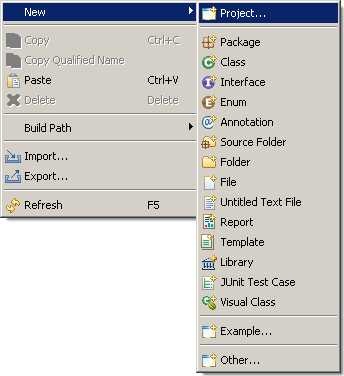
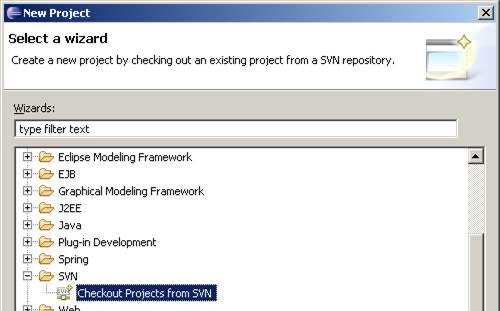
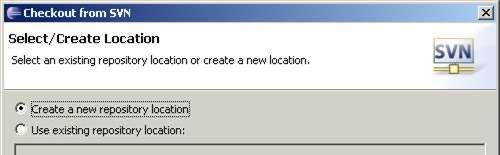
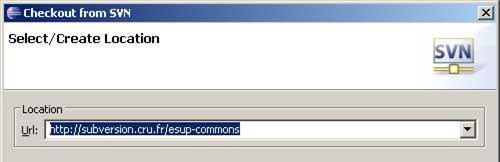
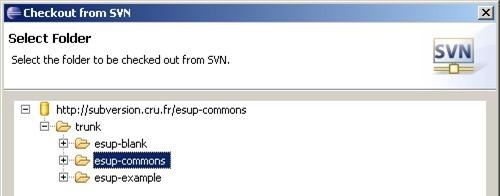
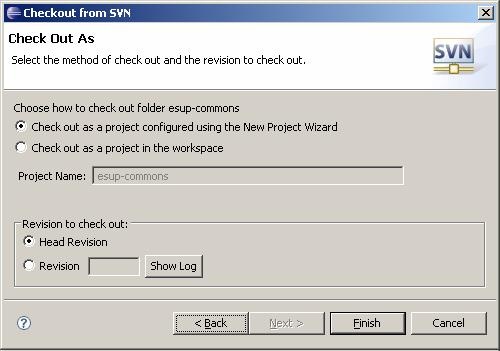
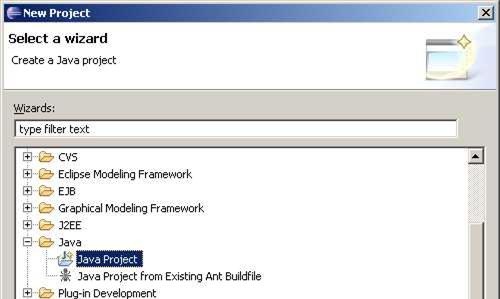
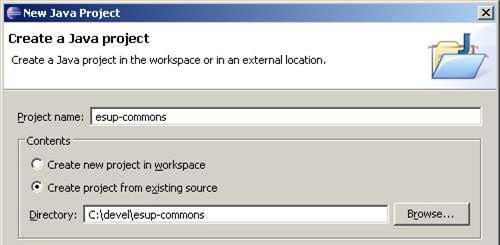
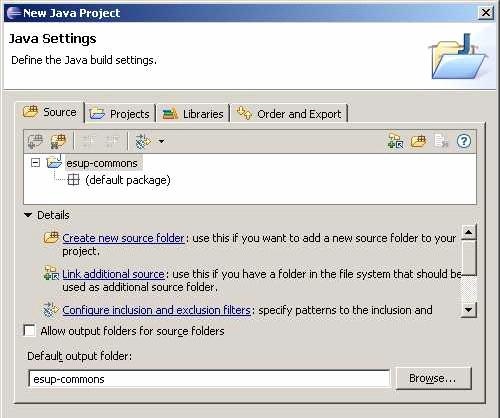
Create a new folder for the project (c:\devel\esup-commons), and create the project itself:
| Astuce |
|---|
The project is empty at this step, the build path will be configured later. |
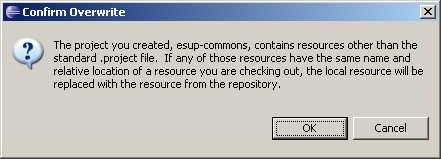
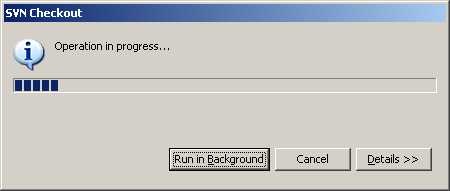
Create the folders
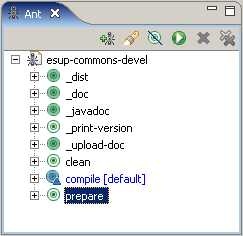
Drag the file build.xml to the ant view:
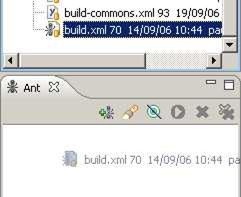
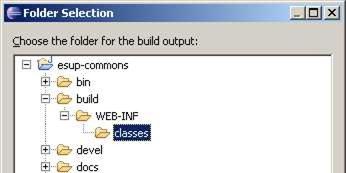
Launch the prepare task (the folder /build/WEB-INF/classes will be created, it is needed to configure the build path).
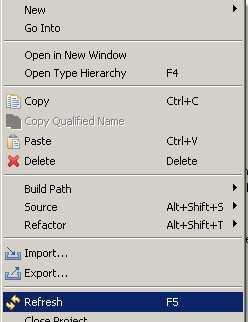
Refresh the project to show the folder /build/WEB-INF/classes:
Refresh the ant view to clear remaining errors.
Configure the source folder, the build path and the libraries
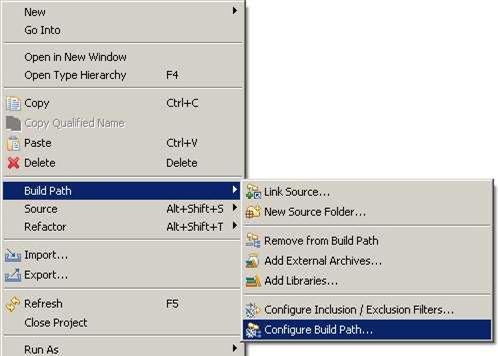
Configure the build path:
Define the folder /src as the source folder of the project:
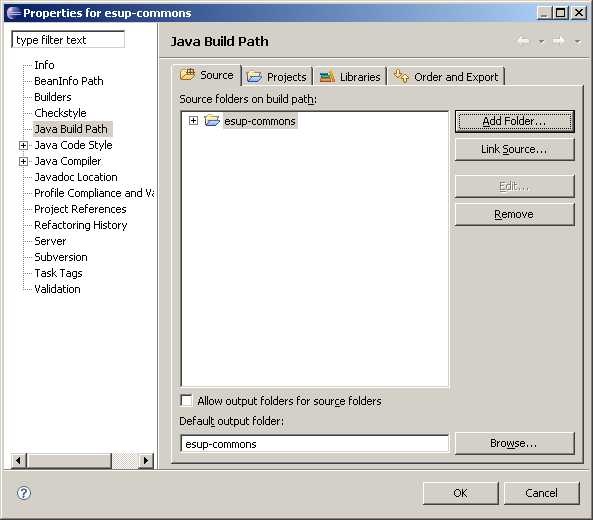
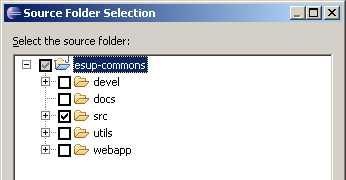

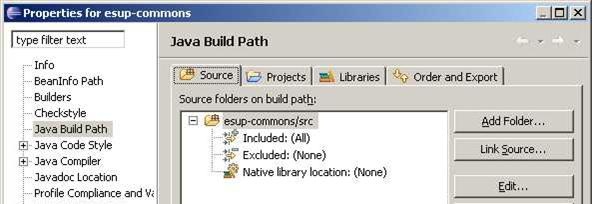
Update the output folder used by the compiler:
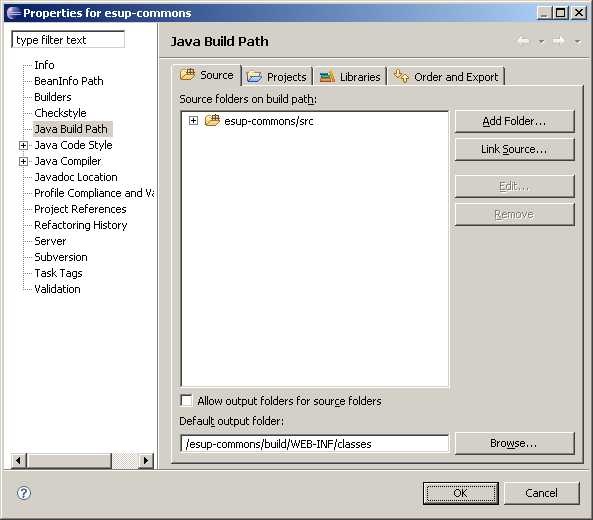
Add all the libraries of folders /utils/lib and /webapp/WEB-INF/lib (they are not all present on the screenshot below):
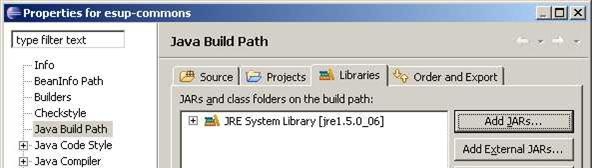
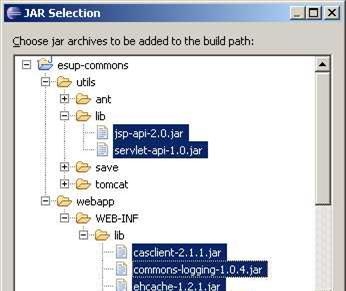
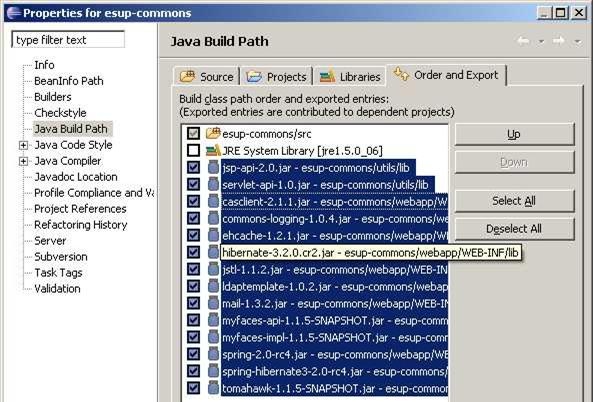
Export the libraries to make them available to all the projects that will later depends on the esup-commons project:
Apply Checkstyle to the esup-commons project
Right-click on the project to edit its properties:
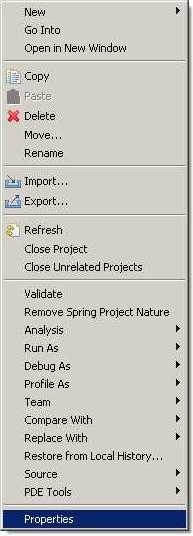
Enable Checkstyle for the project:

Checkstyle warning messages should now appear in the Problems view.
...
Vue d'ensemble
Gestion des contenus